














 Quality Logistics

Whether you’re looking for a Qibla direction finder or simply need a muslim prayer compass.
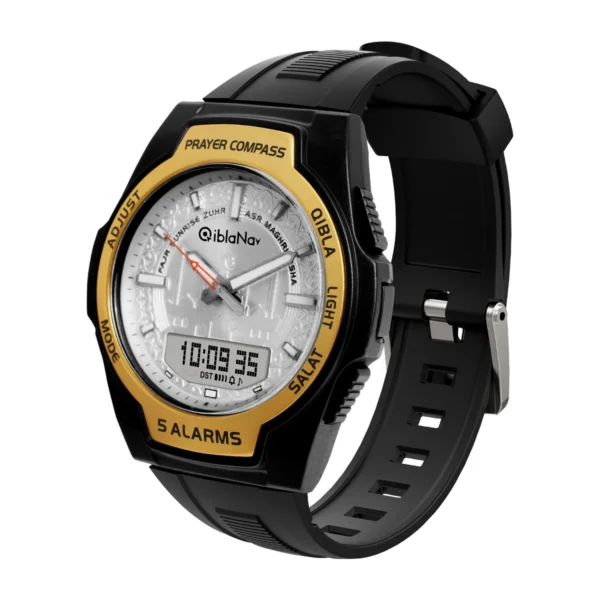
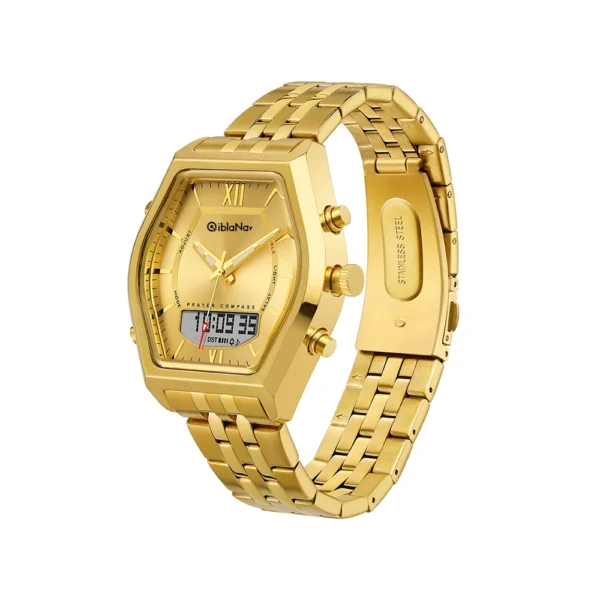
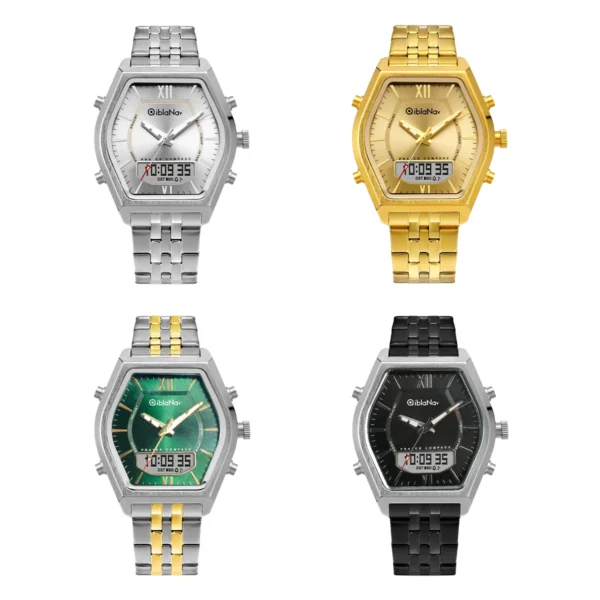
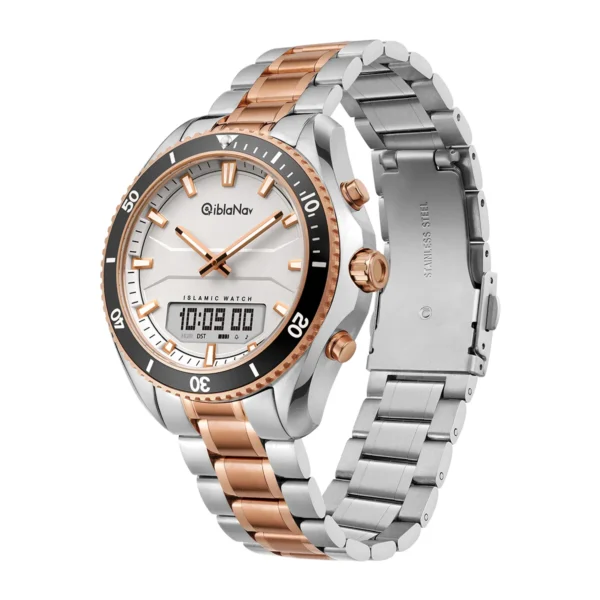
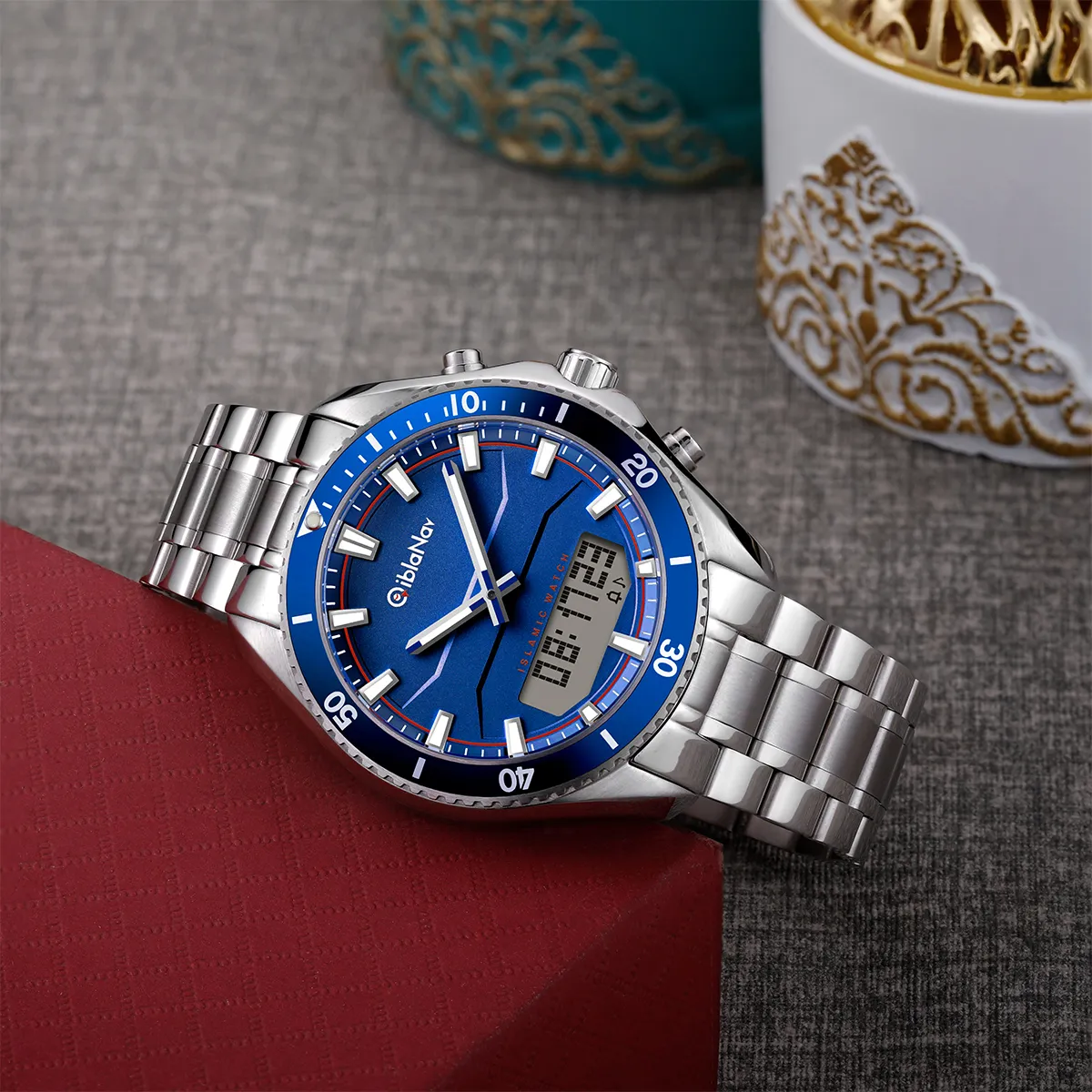
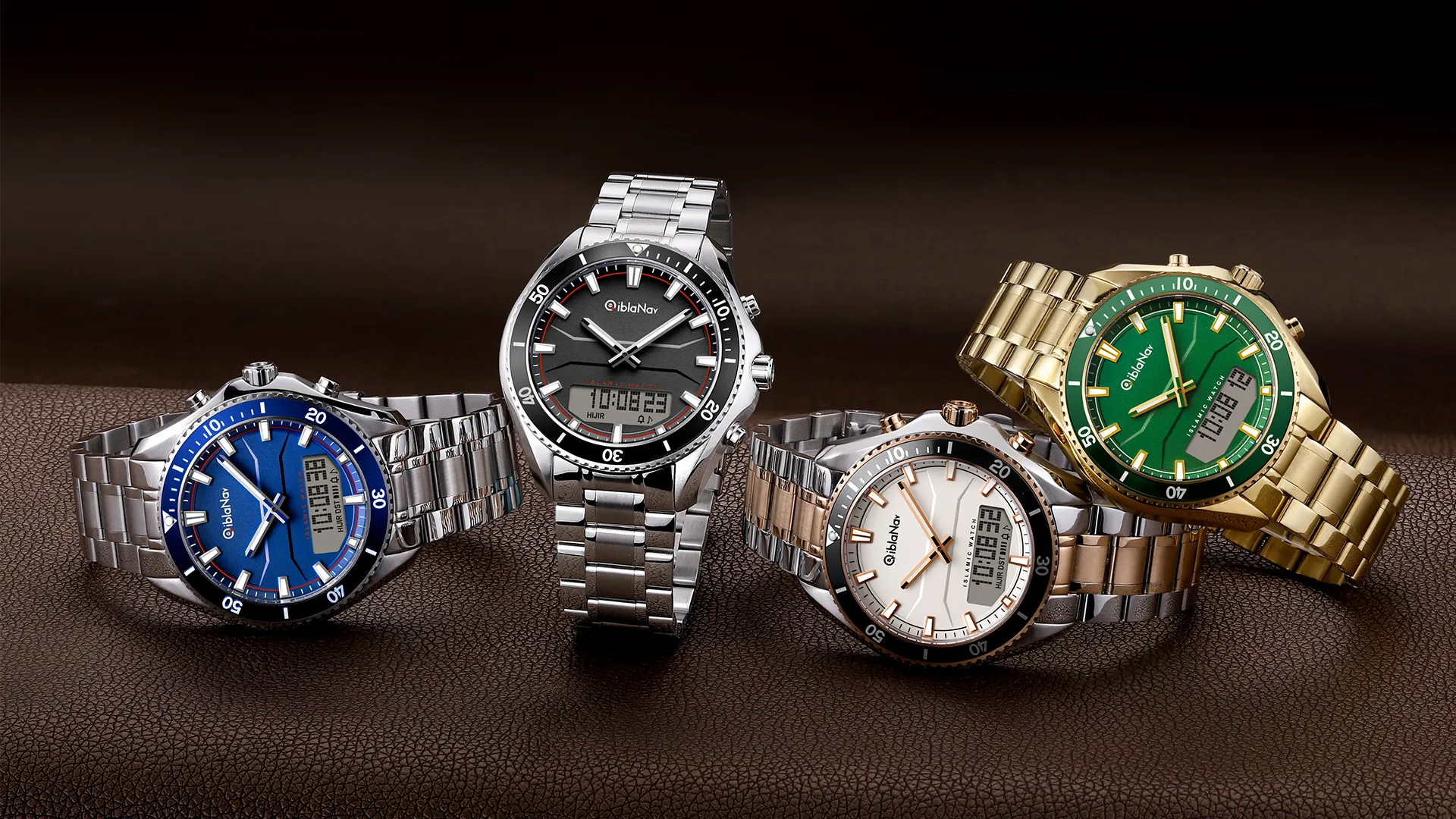
Qiblanav watch stands out as a reliable and innovative solution.The islamic Qibla direction function is designed to help users determine the precise direction of the Qibla, which is the direction faced during Muslim prayer.
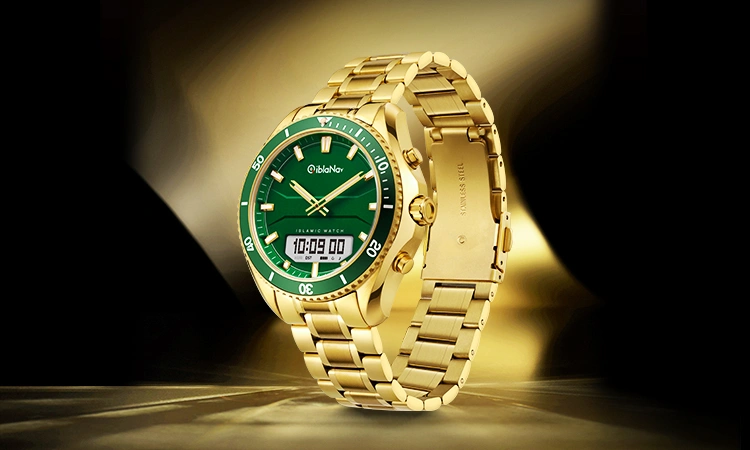
Qibla calculator and prayer compass, make it an essential tool for anyone seeking convenience and accuracy in their worship.
Whether you’re looking for a Qibla direction finder or simply need a muslim prayer compass, this function stands out as a reliable and innovative solution.
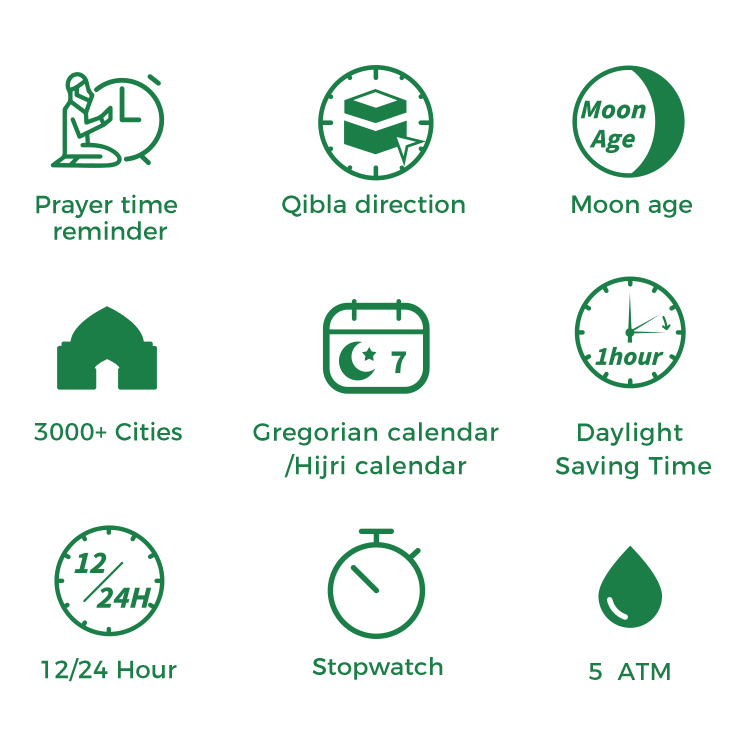
Muslim Prayer Watch Function
Azan Worldwide prayer times.
Prayer time Calendar.
Azan alarms.
Automatic Qibla direction (through the Watch Hands).
North compass.
5 Daily alarms.
Hijri and Gregorian Calendars.
12H and 24H time Format.
Time display function: hours, minutes, seconds.
Gregorian date display function: day, month, week day.
Hijri date display function: day, month.
Stopwatch function.
Countdown timer function.
Adjusting hands alignment mode.
Analog & Digital display type.
Digital screen El Backlight.
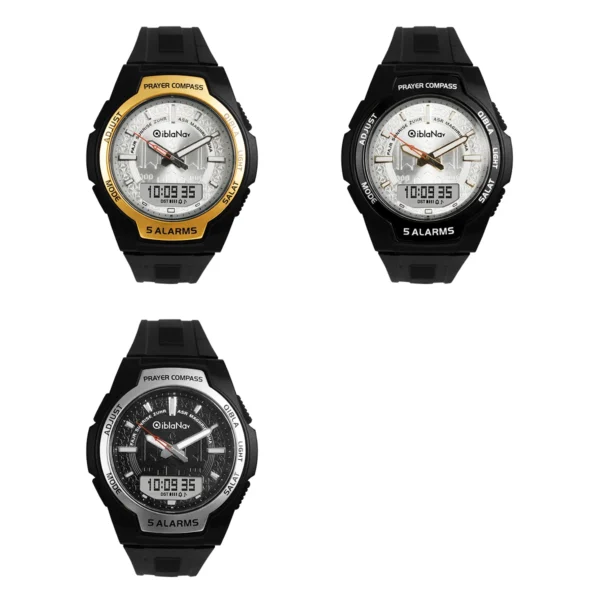
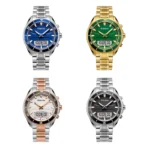
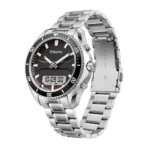
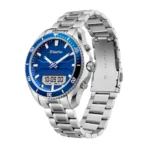
Azan Watch | Auto Qibla Direction
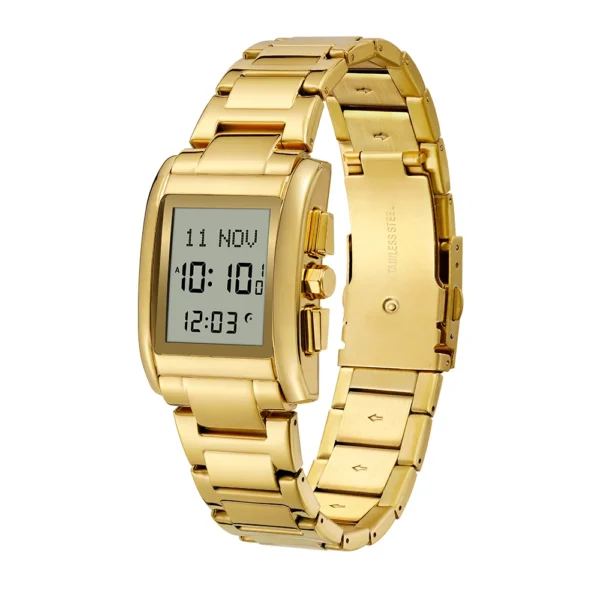
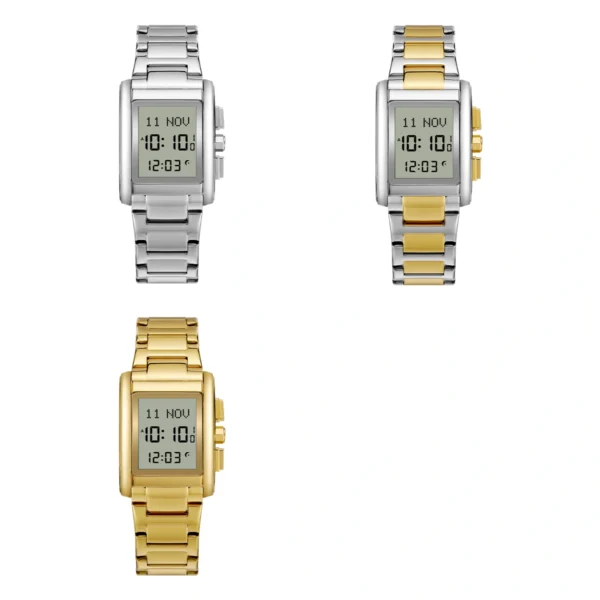
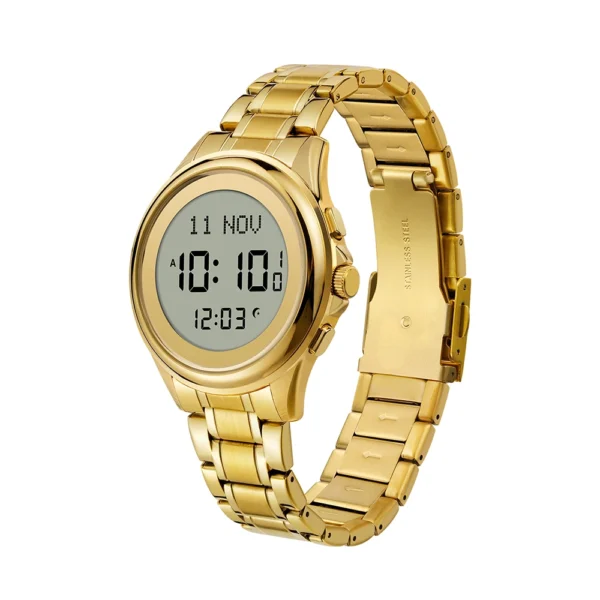
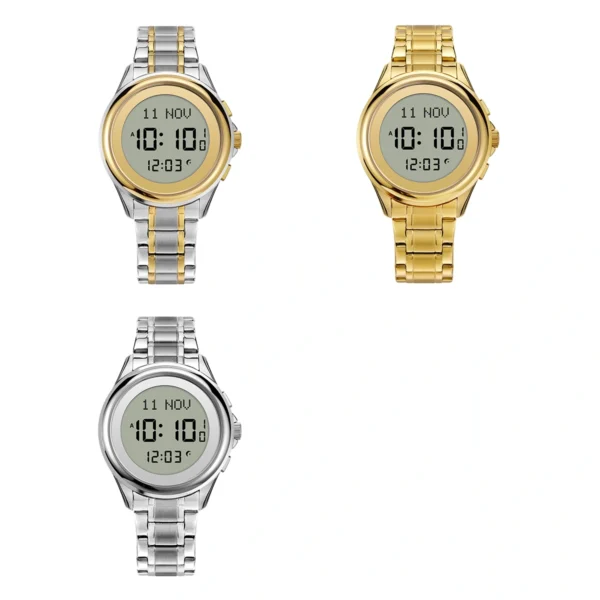
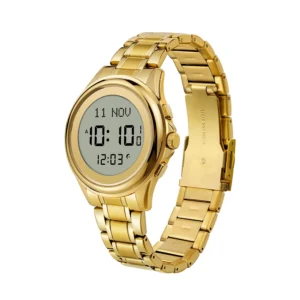
Azan Watch is ideal for anyone looking to add a bit of style to their religious observance while at the same time being practical; hence, you will never fall behind in your prayer and fasting schedules.
Perfect for any devout Muslim, this watch is your companion in maintaining your faith, wherever you are. Whether you call it Qibla watch, Pray watch, Solar watch, or Azan watch, it plays an important role in your everyday life of religious rituals.


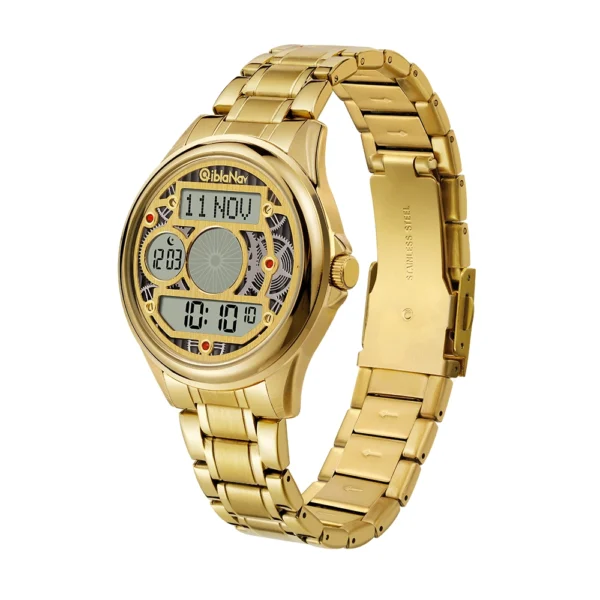
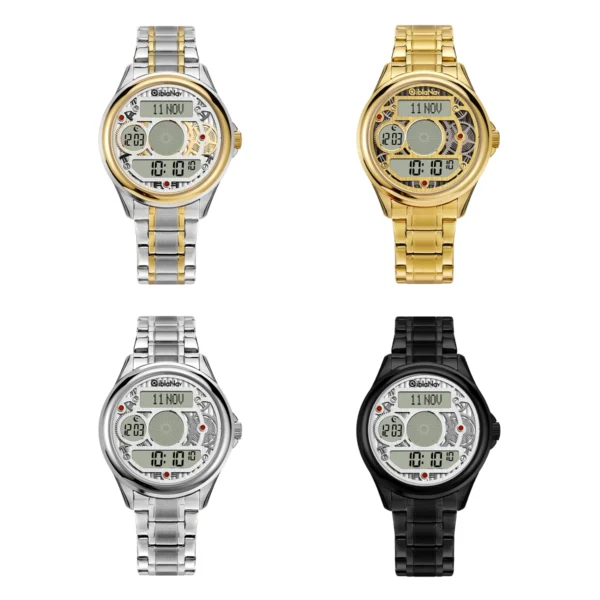
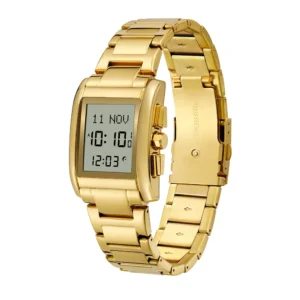
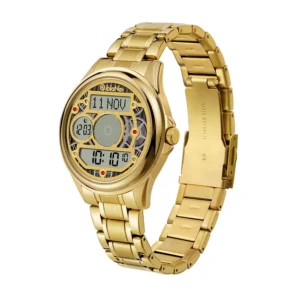
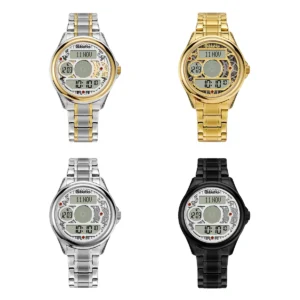
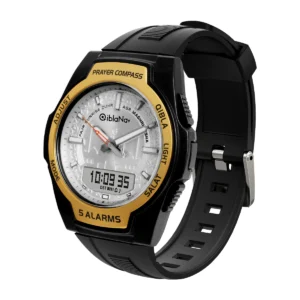
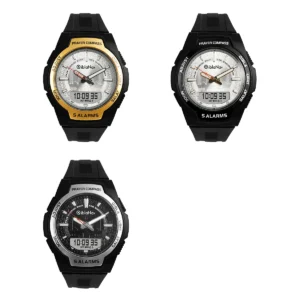
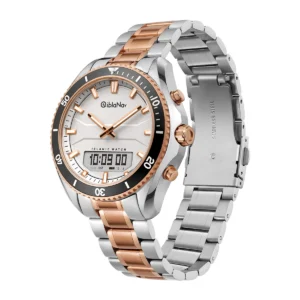
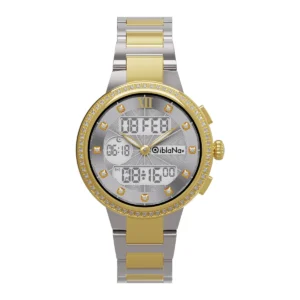
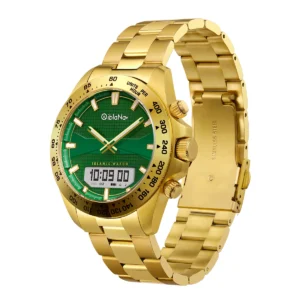
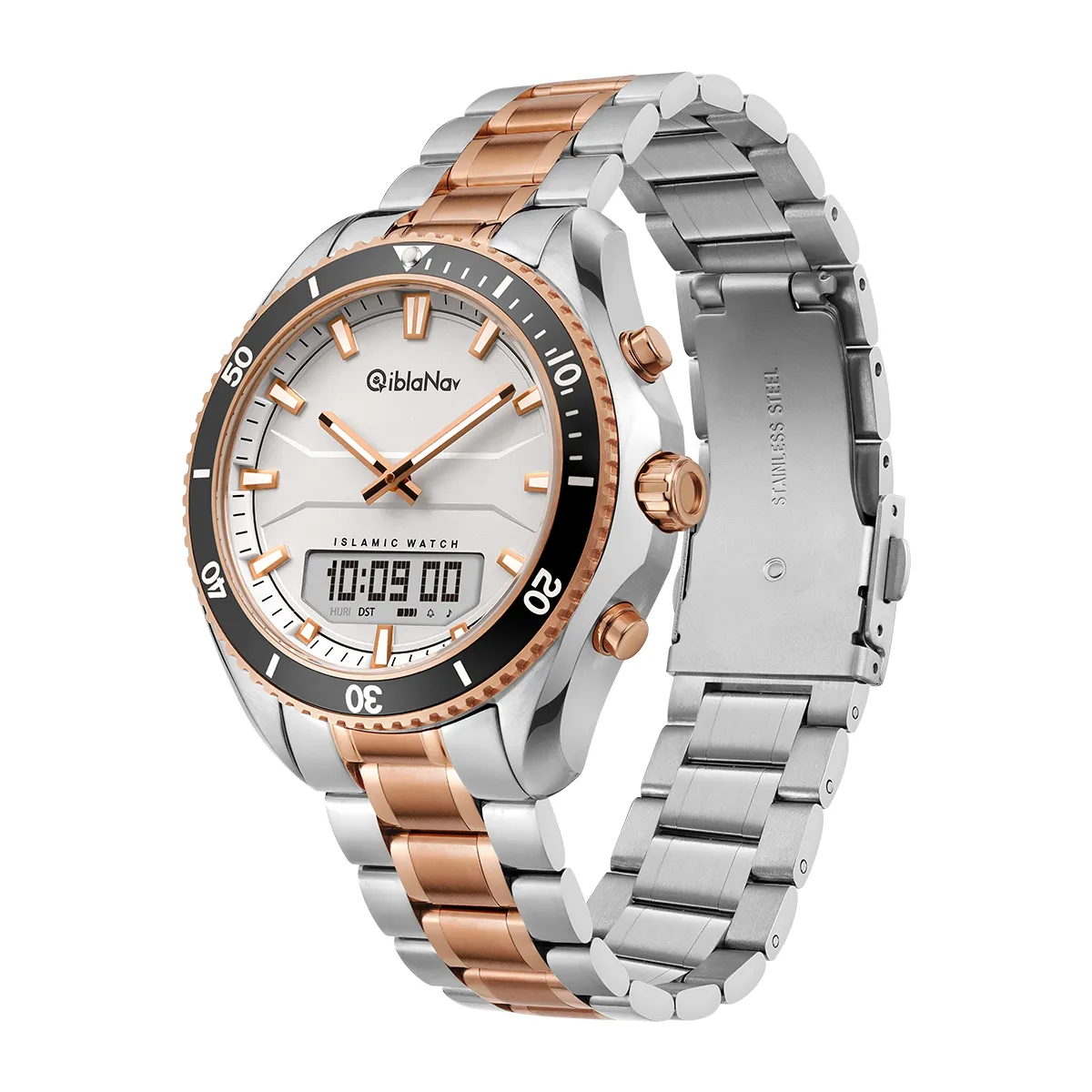
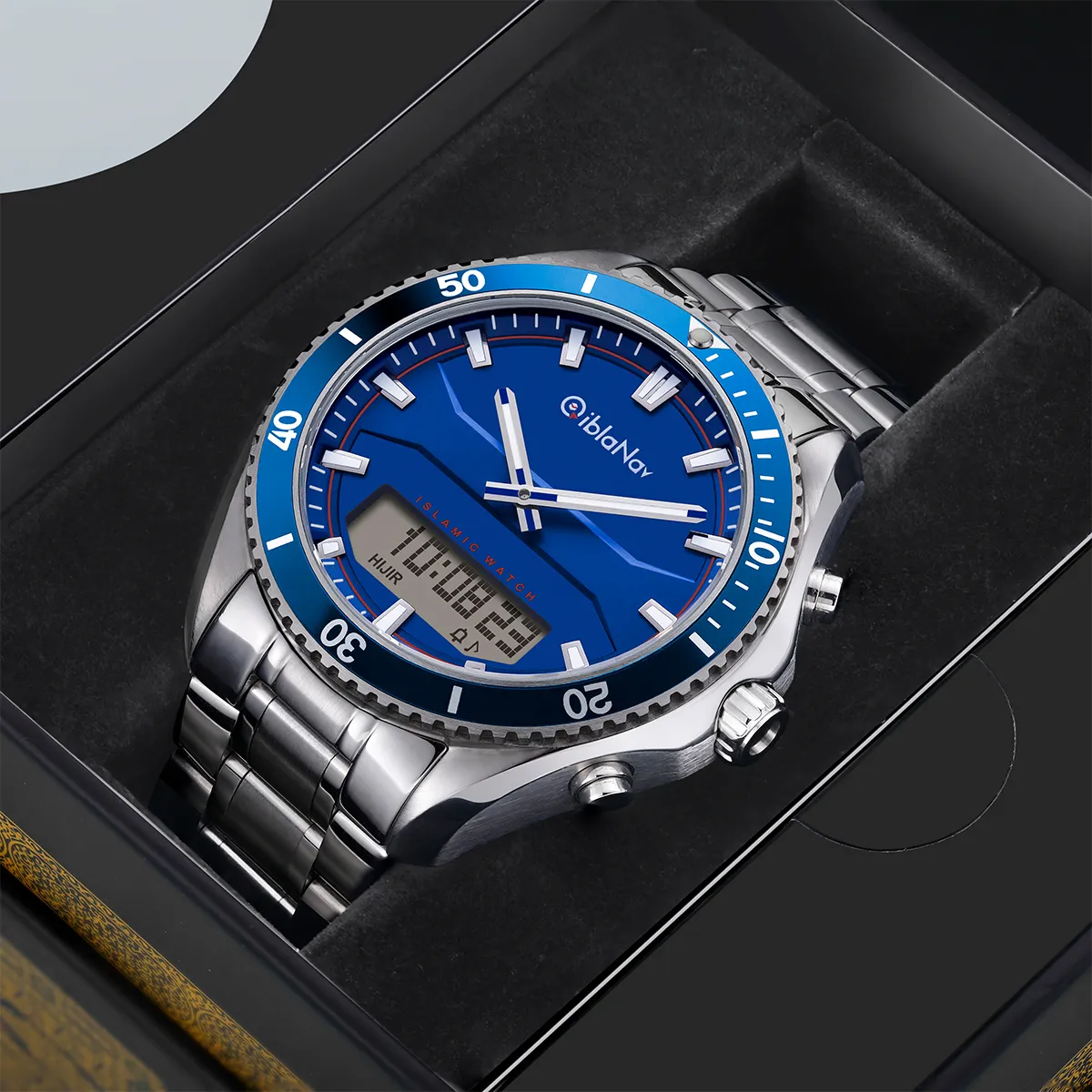
This qibla watch is designed to assist with prayer and time management, offering worldwide prayer times, Azan alarms, and a prayer time calendar.
It supports multiple time formats (12H/24H) and calendars (Gregorian/Hijri), with both analog and digital displays for hours, minutes, seconds, and dates. Features include a stopwatch, countdown timer, automatic Qibla direction, north compass, and digital screen backlight for enhanced visibility in various conditions.
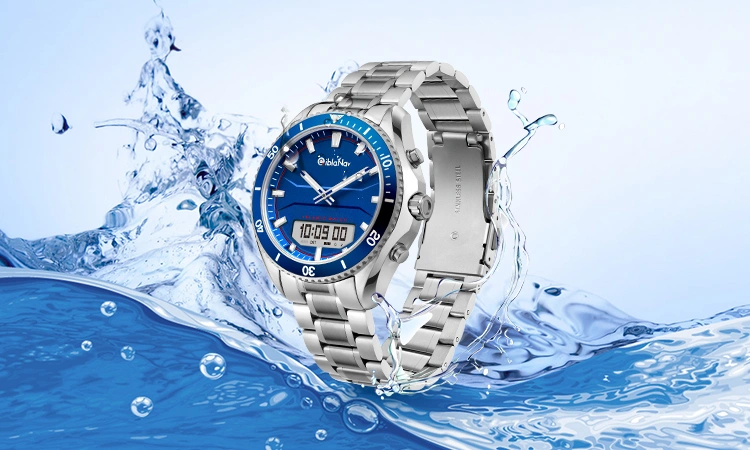
One of the standout features of this qibla watch is its impressive water resistance, allowing you to confidently wear it during swimming, diving, or other water activities.
The chronograph function and digital display enhance its versatility, offering practical features for islamic daily use. Whether you’re tracking time or simply adding a touch of style to your wrist, this qibla watch is built to perform in various environments while maintaining its bold design.

603 instruction book
1 file(s) 38.98 MB
Download
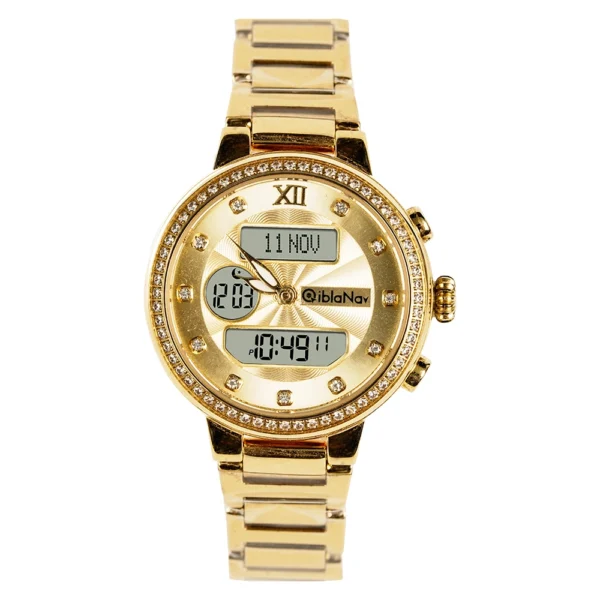
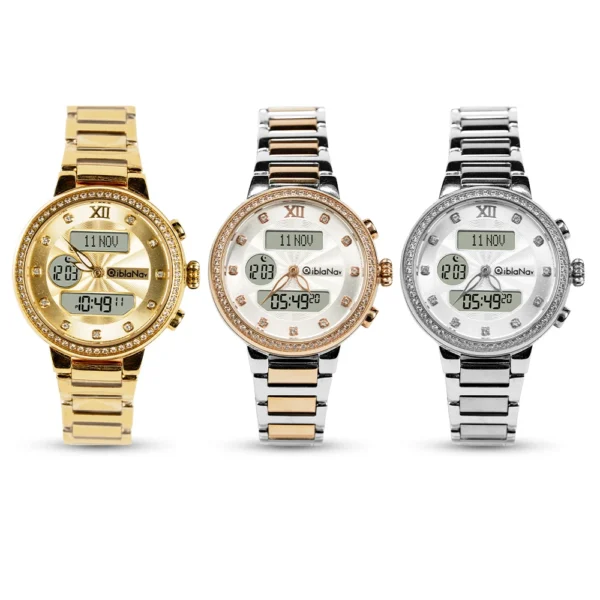
| Collection:Elegance,Dual displays | Case type:round | Case height:12.5 mm |
| Watch weight:160g | Glass diameter:34.2 mm | Case material:316L stainless steel |
| Gender :male | Bazel diameter: 43 mm | Back cover material:316L stainless steel |
| Movement type:quartz | Case length: 52 mm | Strap material:316L stainless steel |
| Glass type :flat sapphire crystal | Case width:47 mm | Strap length:200 mm |
| Water proofness:5ATM | Strap width:22 mm | Clasp:folding clasp |

Find your Qibla with precision and style with our Qibla Watch for Men and Women. Perfectly designed for Muslim communities, our watches ensure accurate prayer timings and Qibla directions. Available for shipment to the UK, US, and other Middle Eastern countries. Visit our native store in Dubai for a unique shopping experience. Order now and experience the perfect blend of tradition and technology.
Qibla watches are specialized timepieces designed for Muslims, providing features such as prayer times, Qibla direction, and Islamic calendar. Here are some frequently asked questions regarding these watches:
How does the Qibla direction feature work?
The Qibla direction feature utilizes advanced GPS compass technology to determine the direction of the Kaaba in Mecca, Saudi Arabia, no matter where you are located globally. This ensures accurate orientation for prayer.
Why Azan times are not correct ?
Make sure you have correctly set the following :
Note that in few cases you may need to use Safety Time Adjustment to exactly match your local taqweem system.
Does the Azan time adjust automatically?
Yes, the watch automatically adjusts the Azan times based on your location using advanced technology. It incorporates principles of Taqweem and Daylight Saving Time (DST), eliminating the need for manual adjustments.
Can I change the language interface of my watch?
The interface can be changed to either Arabic or English, allowing users to select their preferred language for ease of use
How can I set the daily alarm to ring every day except Friday?
Is it safe to wear my watch while performing Wudu?
You can wear your watch during Wudu; however, it is not recommended for swimming. The watch has a water resistance rating of 3 ATM (30 meters), but over time, you may need to replace the leather bracelet due to exposure to water
1
Does my watch play the Azan out loud?
No, the watch does not audibly play the Azan at Salah times. Instead, it emits a customizable beep sound to alert you when it’s time for prayer. You can adjust the volume and set alerts for a few minutes before or after Azan time
1
Does my watch include an Islamic calendar?
Yes, Qibla watches come integrated with both Gregorian and Islamic calendars, allowing users to keep track of significant religious dates such as Ramadan and Eid
1
Do I need Wi-Fi or Bluetooth to use my watch?
No, Qibla watches do not require Wi-Fi or Bluetooth connections. They function independently, which is particularly useful when traveling or in areas without internet access
1
How do I set up my watch for prayer times?
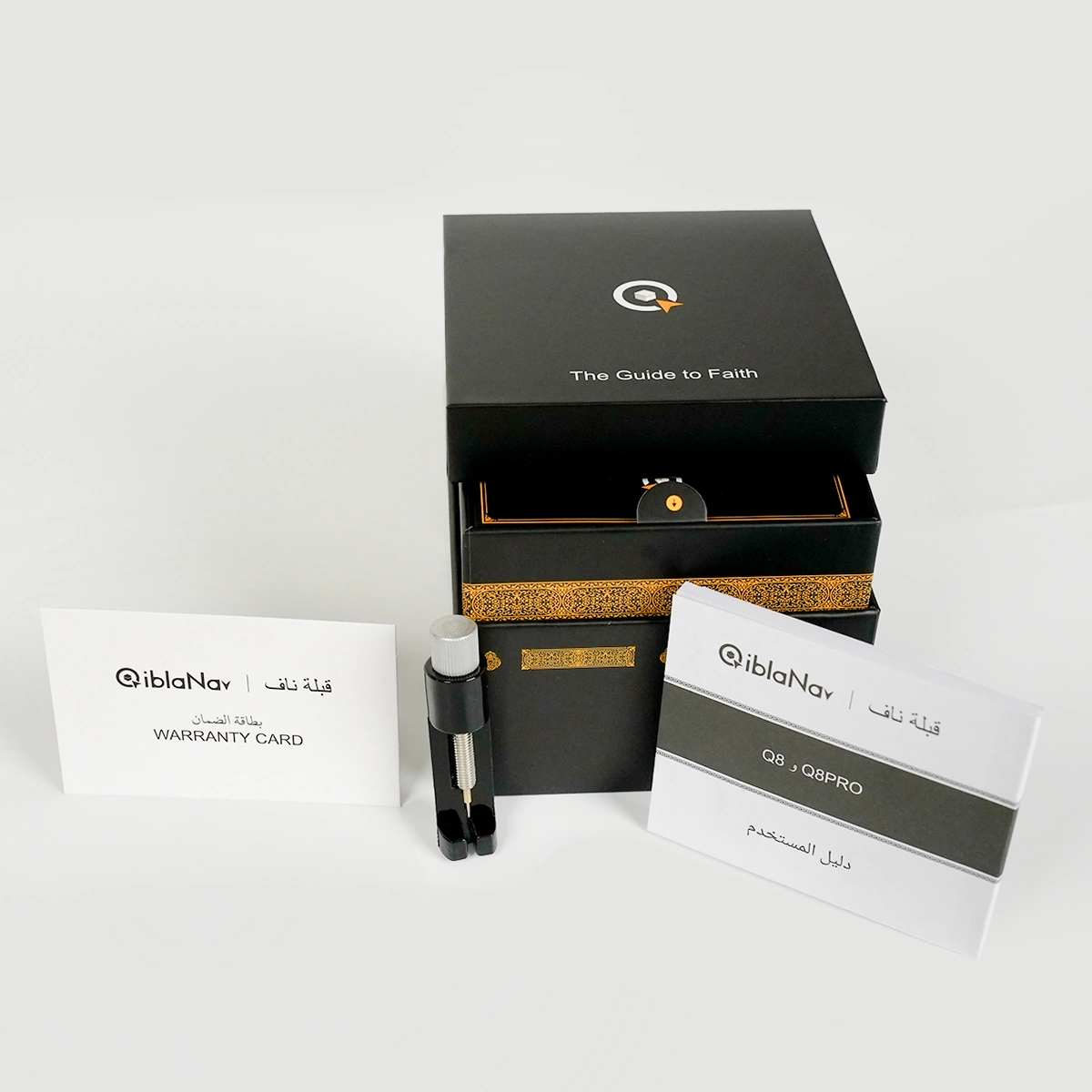
Your watch is pre-set for your location upon delivery and comes with a user guide that provides step-by-step instructions for setup and usage. If needed, additional setup information can also be found on the qiblanav.com
These features make Qibla watches a valuable tool for Muslims seeking to maintain their prayer (prayer time and Qibla direction) regardless of their location.
Why is there a difference of one hour in azan times ?
Make sure the daylight saving time option (DST) is set correctly ( please see DST setting in the user guide ).